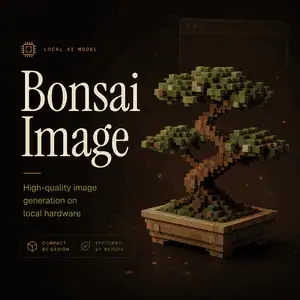
Bonsai Image is a family of low-bit image generation models designed to make high-quality AI image creation run closer to the user.
Instead of relying only on large cloud models, it compresses a 4B-class diffusion transformer so it can fit into everyday hardware with much lower memory pressure.
Model Overview
| Item | Details |
|---|---|
| Model name | Bonsai Image 4B |
| Developer | PrismML |
| Model type | Text-to-image diffusion model |
| Base model | FLUX.2 Klein 4B |
| Architecture | MMDiT diffusion transformer |
| Main variants | 1-bit Bonsai Image 4B, Ternary Bonsai Image 4B |
| Parameters | About 4B transformer trunk |
| Native resolution | 1024×1024, also supports 512×512 and other multiples of 32 |
| Transformer size | 0.93 GB for 1-bit, 1.21 GB for Ternary |
| Apple Silicon payload | 3.42 GB for 1-bit, 3.88 GB for Ternary |
| License | Apache 2.0 |
| Supported deployment | Apple Silicon, iPhone, iPad, Mac, CUDA GPUs |
| Main use case | Local and private AI image generation |
Features
Local Image Generation
Bonsai Image is built for on-device and local inference. It can run on Apple Silicon devices and compatible GPUs without sending every prompt to a cloud service.
Small Model Footprint
The model compresses the diffusion transformer from FLUX.2 Klein 4B into much smaller 1-bit and ternary versions. This lowers memory usage while keeping the model useful for real image generation.
Two Model Variants
The 1-bit version is the smaller, footprint-focused option. The Ternary version is larger but aims for better image quality and prompt fidelity.
Strong Quality-to-Size Tradeoff
Ternary Bonsai Image 4B is designed to stay close to FLUX.2 Klein 4B on benchmarks while using a much smaller transformer. It is not meant to beat the largest image models, but to make capable generation practical on smaller hardware.
Privacy-Friendly Workflow
Because generation can happen locally, prompts and generated images do not need to leave the device. This is useful for personal creative tools, enterprise workflows, and products with data residency concerns.
How to use
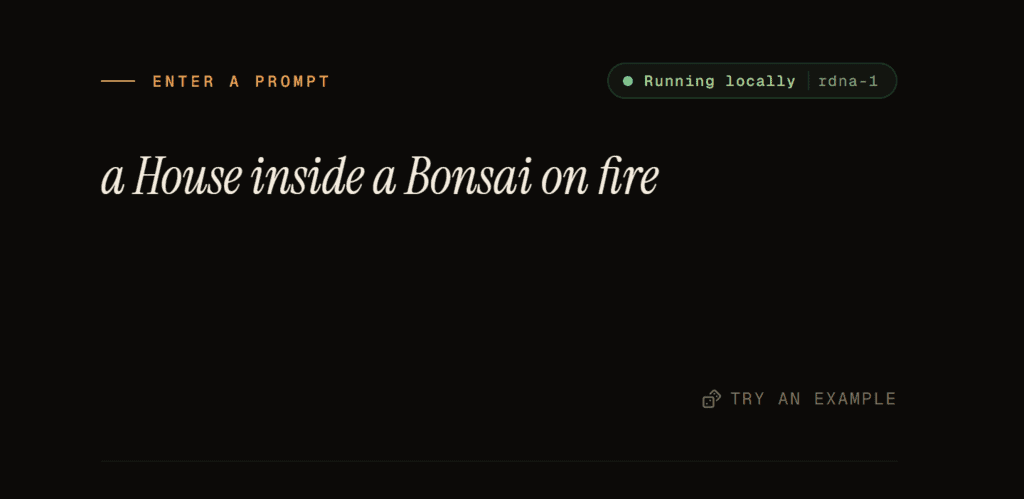
Enter a image description
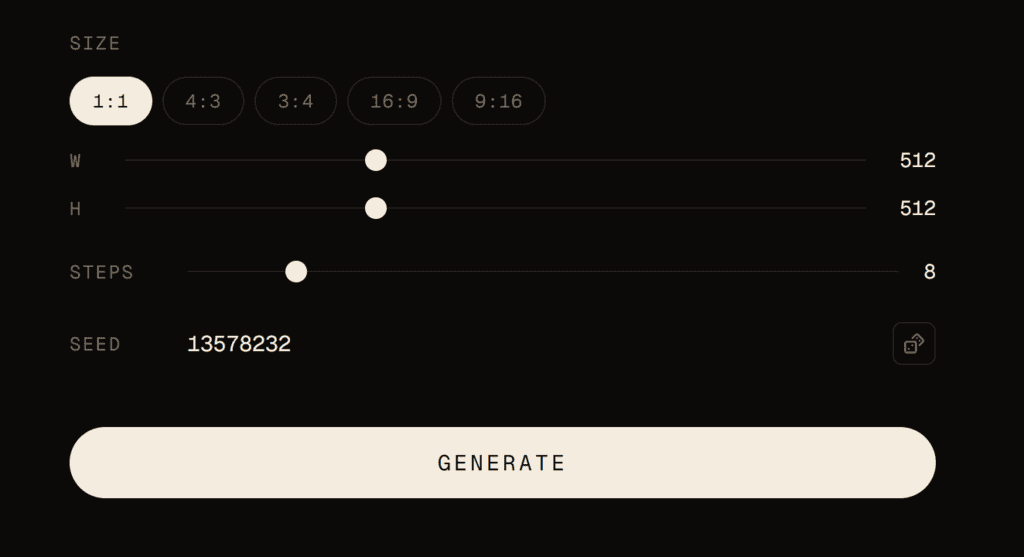
set image paramter and click generater button
FAQ
Is Bonsai Image open source?
Bonsai Image 4B is released with open weights and code under the Apache 2.0 license.
What is Bonsai Image used for?
It is used for generating images from text prompts, especially in local apps, private creative tools, browser demos, and device-side image generation workflows.
What is the difference between 1-bit and Ternary Bonsai Image?
1-bit Bonsai Image is the smaller version, with a diffusion transformer under 1 GB. Ternary Bonsai Image is the quality-focused version, using slightly more space to improve visual quality and prompt following.
Can Bonsai Image run on an iPhone?
Yes. PrismML positions Bonsai Image 4B for Apple Silicon devices, including iPhone, iPad, and Mac. The official launch also mentions Bonsai Studio as an iOS app for trying the model.
Is Bonsai Image better than Stable Diffusion?
It depends on what you need. Bonsai Image is mainly interesting because it offers a strong quality-to-size tradeoff for local generation, not because it replaces every larger or specialized image model.
What are the limitations of Bonsai Image?
Image quality still depends on prompts and workflow. Fine text, exact object counts, tiny details, and strict composition may need testing before using it in production.